Features
Avera helps you collect papers, take notes, run screening workflows, and draft manuscripts in one place. Your library and notes live on your computer by default. Sign in when you want teams, cloud sync, and subscription features.
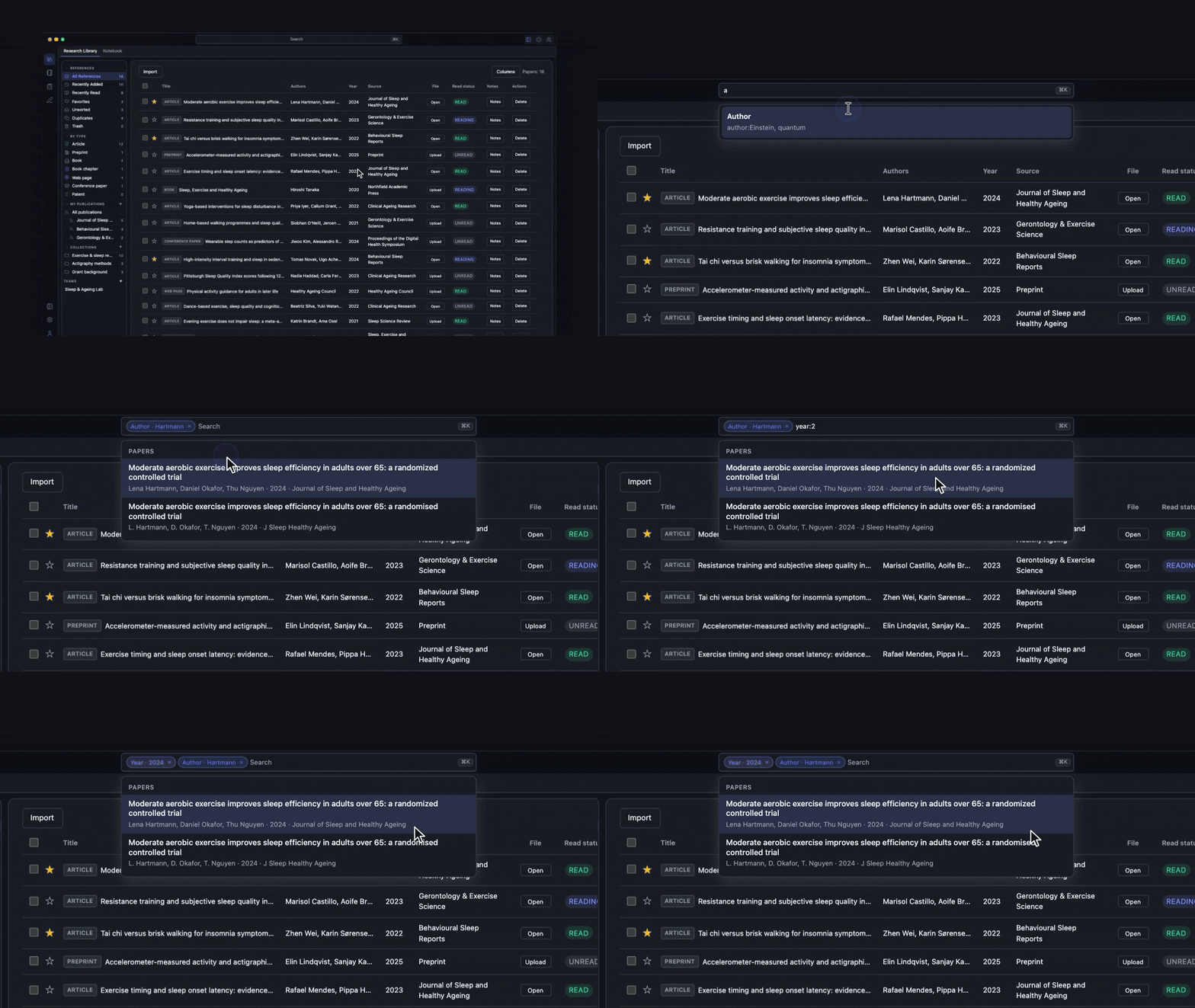
Research Library
v0.1Collect papers, search PDFs, organise collections, and cite from one library
- Import PDFs, DOIs, BibTeX, RIS, and PubMed exports
- Search across titles, authors, and full text inside attached PDFs
- Organize papers into collections
- Read PDFs inside the app with in-tab viewer
- Copy formatted in-text citations and reference-list entries from the library (multiple citation styles)
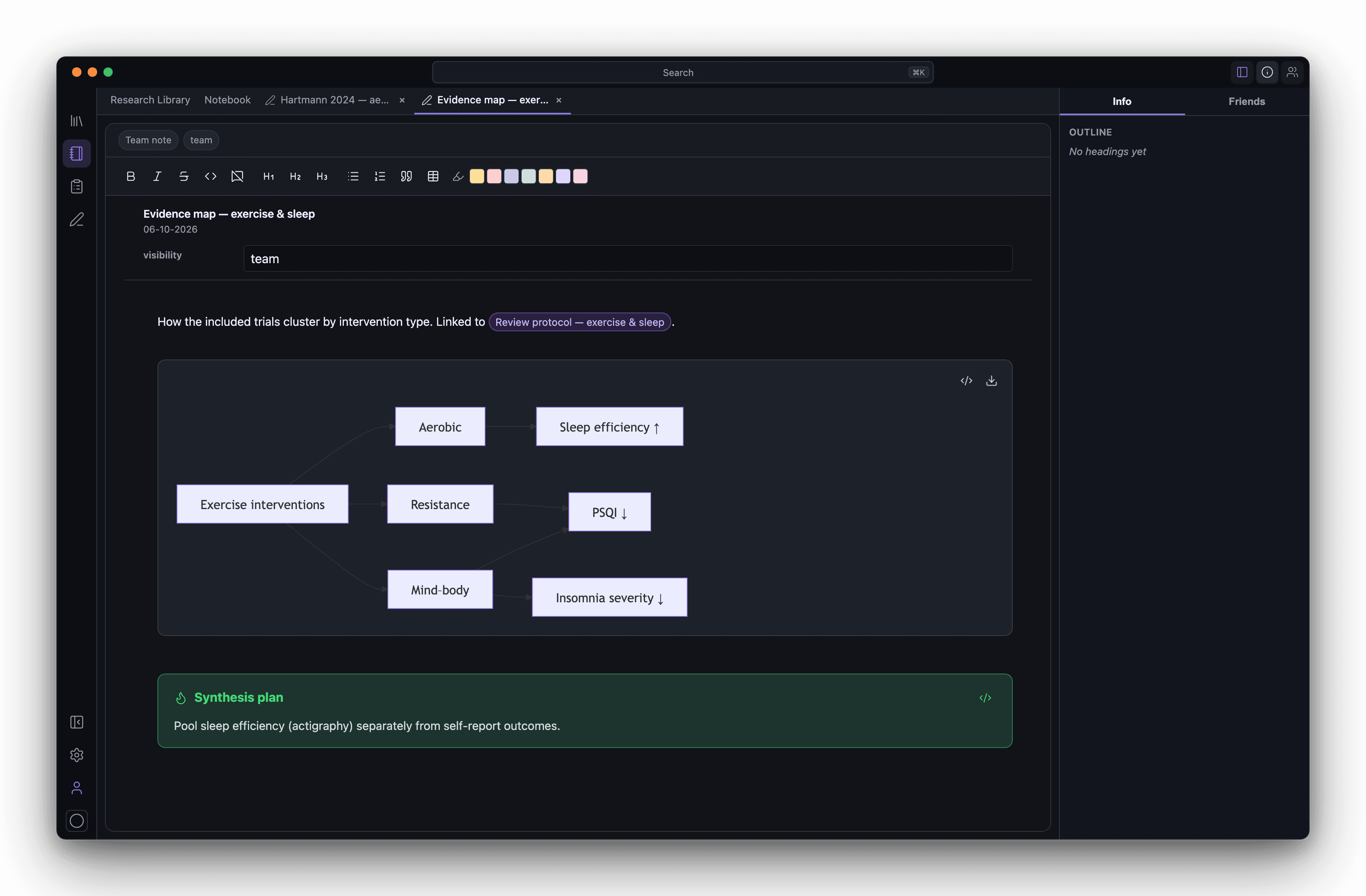
Notebook
v0.2Organise notes beside your papers — folders, wiki links, and essay drafts
- Organize notes in folders
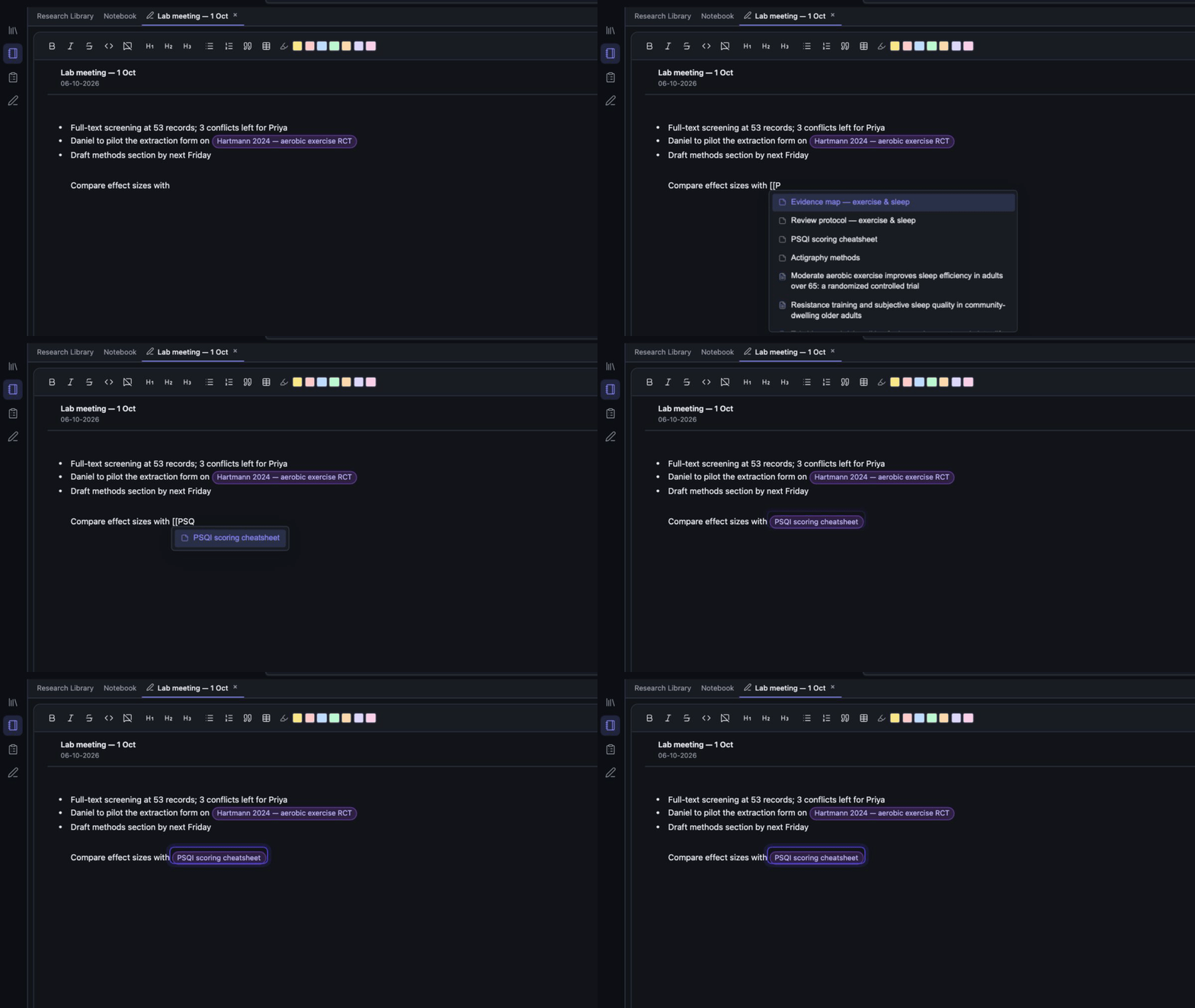
- Link notes together with wiki-style links and heading references
- Reference papers from your library directly inside a note
- Create paper-linked notes from the library
- Open notes in tabs alongside library and PDF views
Reviews
v0.1Screen on your own with Include, Exclude, and Maybe — plus live PRISMA previews
- Run title-and-abstract screening with Include, Exclude, and Maybe decisions
- Preview diagrams that update as screening progresses
- Auto-tally PRISMA counts from live screening decisions
- Generate PRISMA 2020 flow diagrams from live screening data
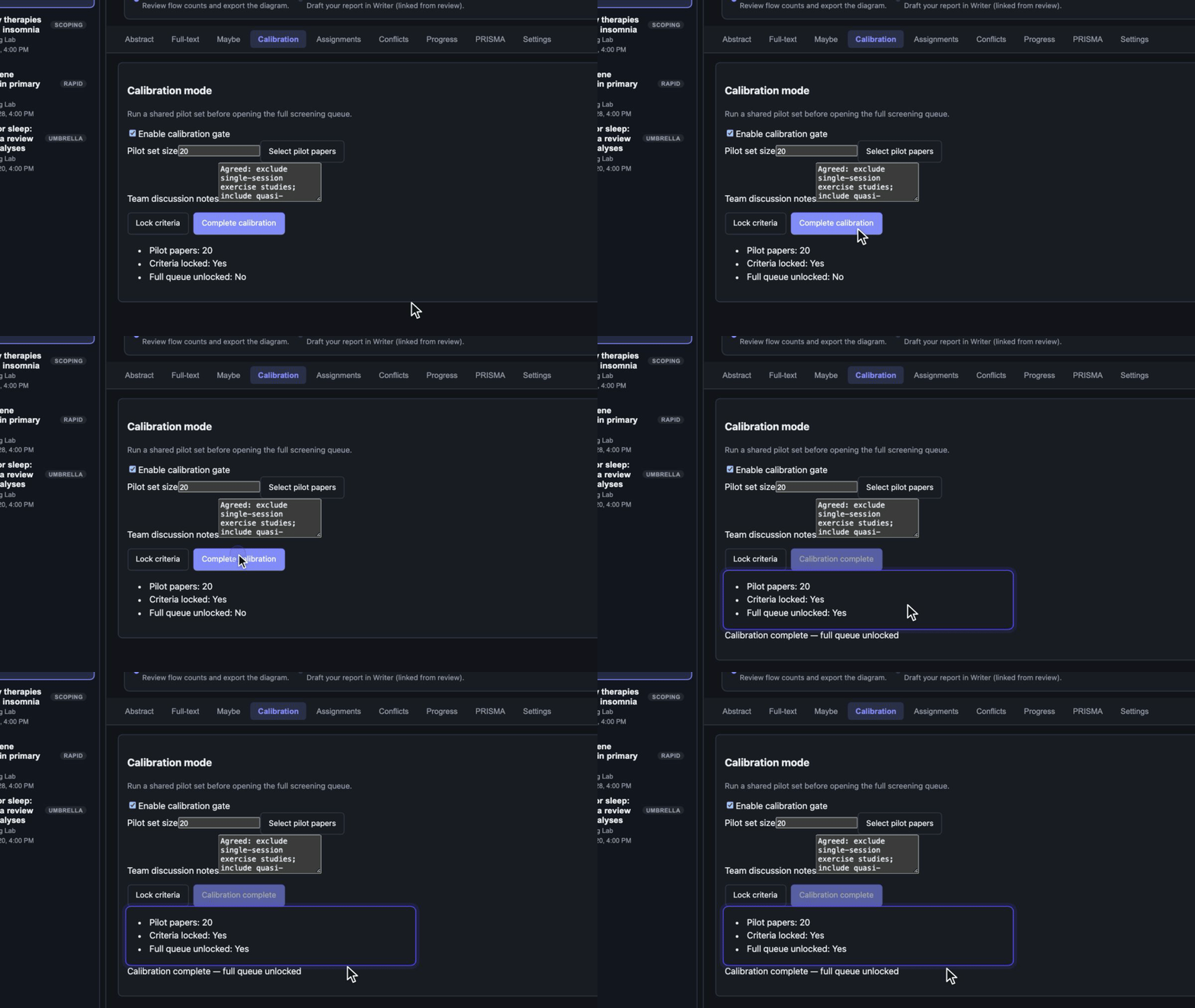
- Create review projects with custom inclusion and exclusion criteria
Review Methodology Modules
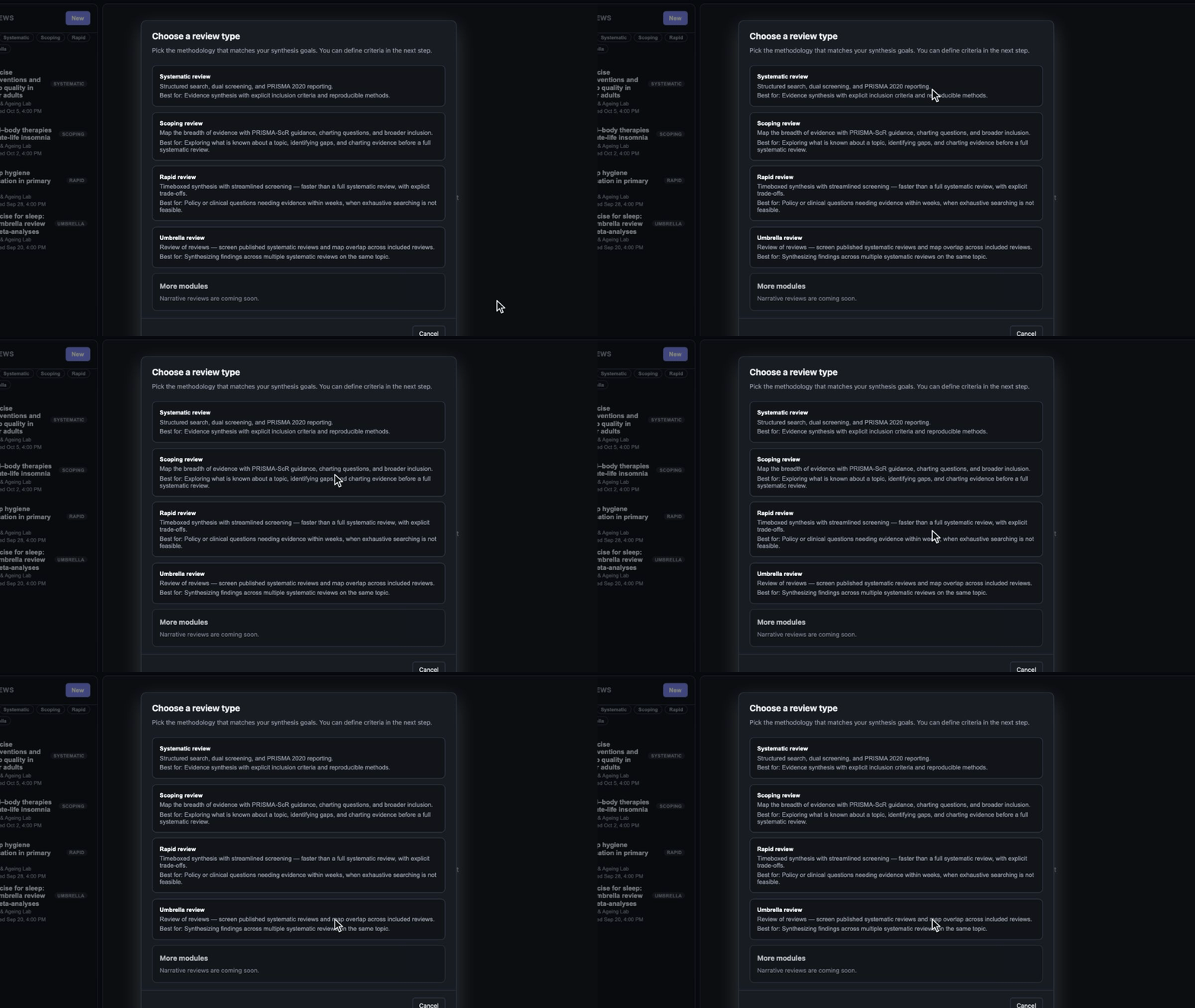
v0.1Choose the review type that matches your research question
- Pick a review methodology when creating a new project — systematic, scoping, rapid, or umbrella
- Complete a Review Setup wizard before screening (title, research question, criteria, optional PICO)
- Scoping review module — broader inclusion, charting questions, PRISMA-ScR default
- Rapid review module — timebox, limited databases, single-reviewer defaults, abbreviated checklist
- Show module-specific onboarding checklists with phased next steps
Research Writer
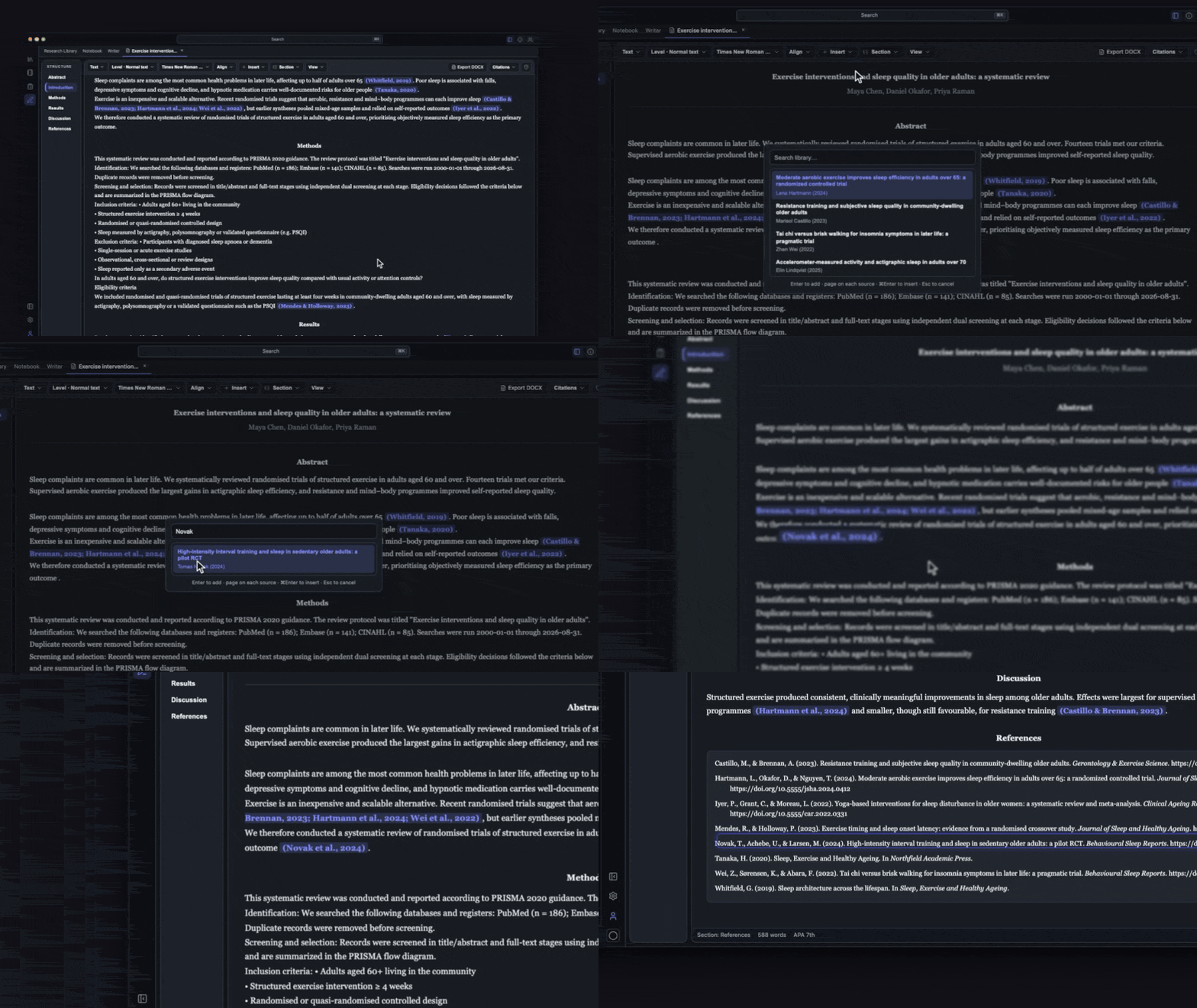
v0.1Structured drafts with library citations, auto bibliography, and Word or LaTeX export
- Write in a structured academic editor separate from the Notebook
- Insert citations from your library via search picker or inline trigger
- Auto-generate a bibliography from cited papers
- Insert tables with row/column controls, header rows, and cell merging
- Apply journal table presets (APA horizontal rules, generic grid)
Browser Connector
In internal testingSave references from the web without copy-pasting metadata
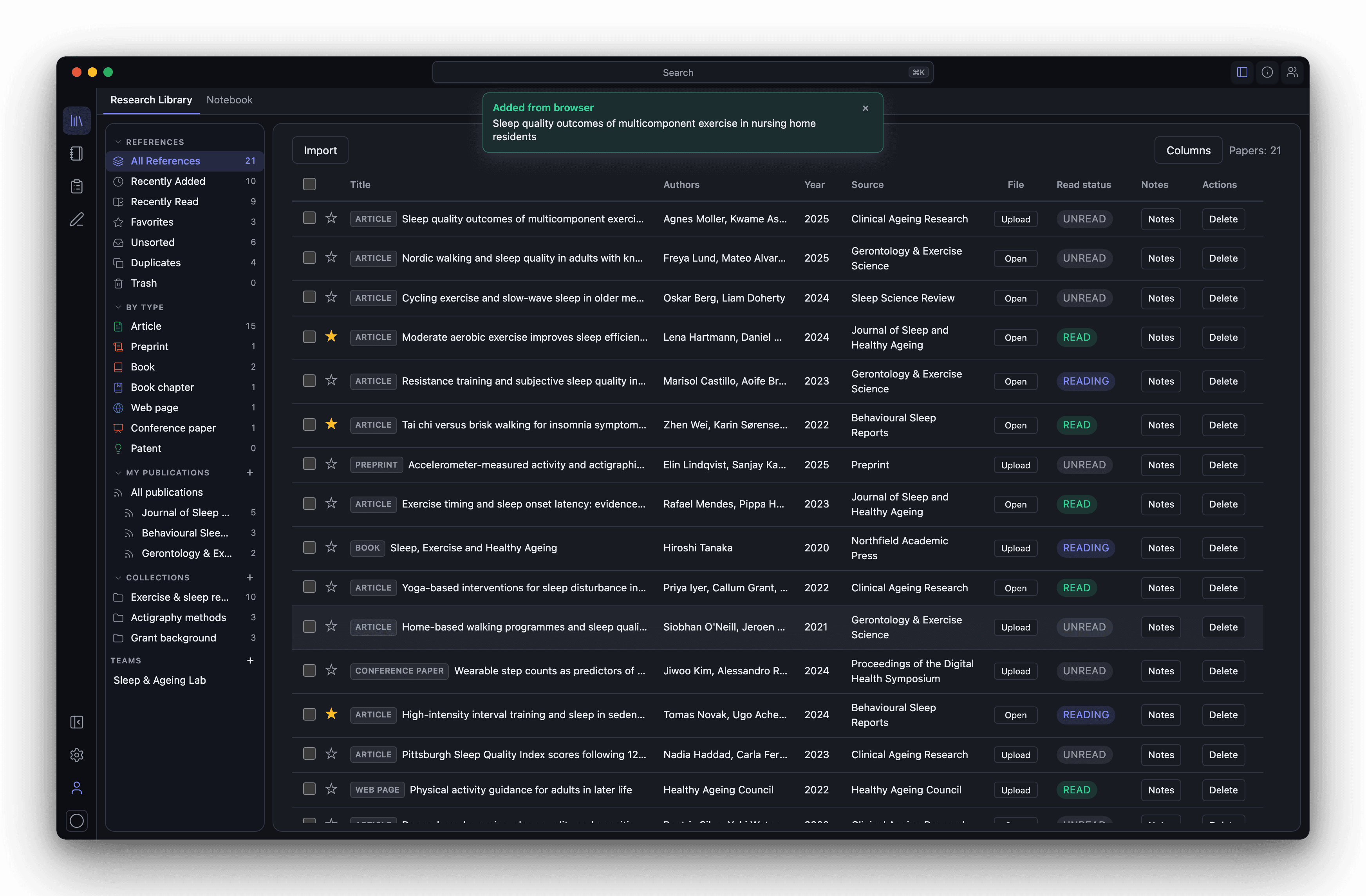
- Chrome extension that detects references on publisher sites, Google Scholar, PubMed, and many other sources
- Import a detected reference straight into your Avera library
- Show a floating save banner on pages with detectable references
- Detect PDFs from direct PDF tabs, citation_pdf_url meta tags, and embedded viewers
- Fall back to metadata-only import when PDF capture fails
CLI (via Desktop App)
v0.1Automate library, screening, and manuscript workflows through the desktop app
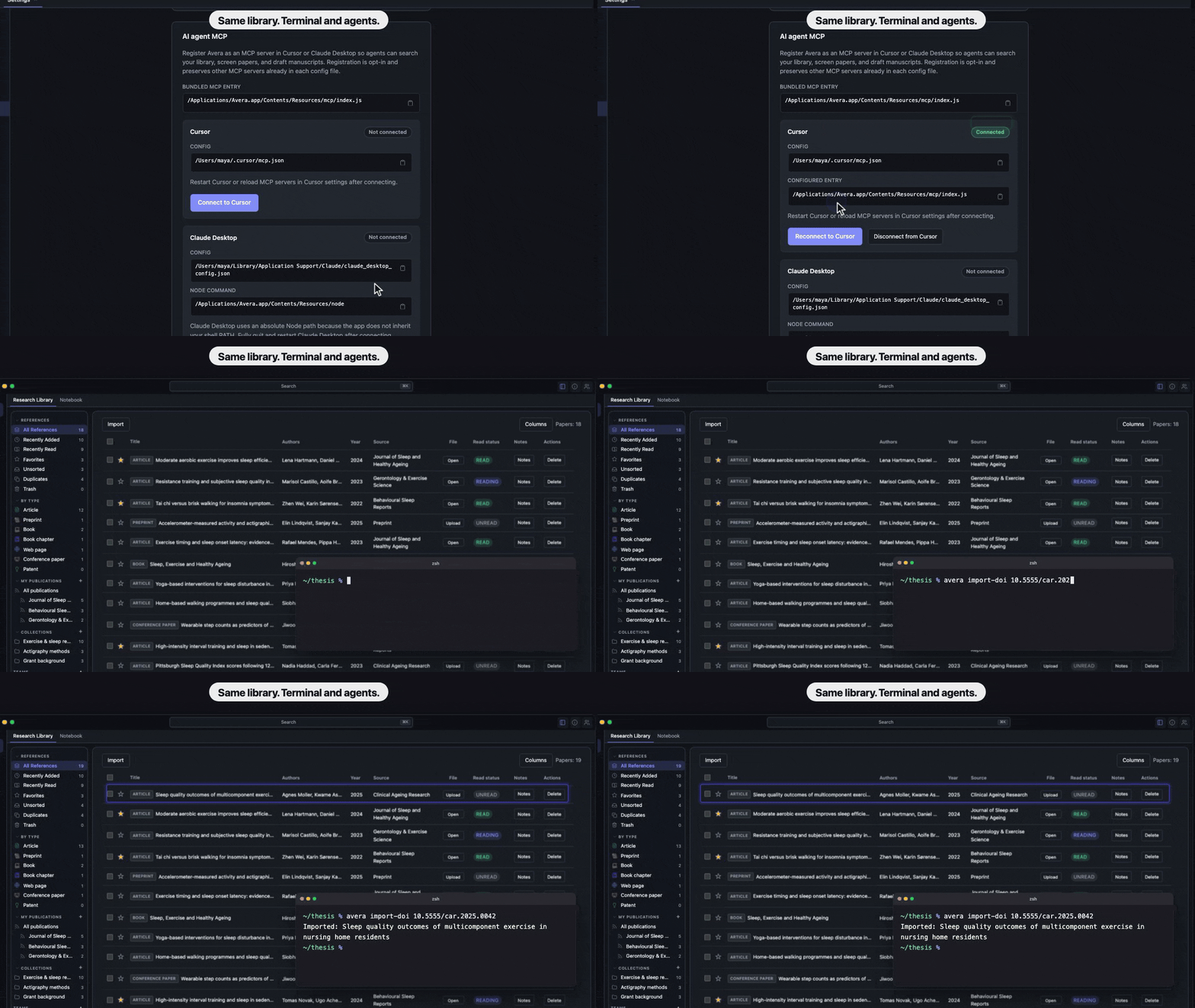
- Use the avera CLI bundled with the desktop app — same database, files, and version as the running app
- Import PDFs and DOIs from the command line
- Search papers and notes with the same query syntax as the app
- Install or remove the avera command on your PATH from desktop app Settings
- Check status, paths, record counts, and whether the app is running
AI Agent MCP
v0.1Connect Avera to Cursor or Claude Desktop from Settings
- Register Avera as an MCP server from desktop app Settings — Cursor or Claude Desktop
- Let agents search and import into your library, work with notes, run screening, and draft or cite in Writer on your local data
- Use the same sign-in and subscription gates as the desktop app
- Connect and disconnect from Settings; preserves other MCP servers already in each config file
Cloud, Teams & Billing
v0.1Sign in for teams, sync, and subscription features
- Continue using local library and notebook when signed out or on the free tier
- Use a free tier locally — up to 10 papers and 10 notes without subscription
- Subscribe via Stripe Checkout for unlimited library size and cloud features
- Sign in with Google
- Set a unique @username and display name